
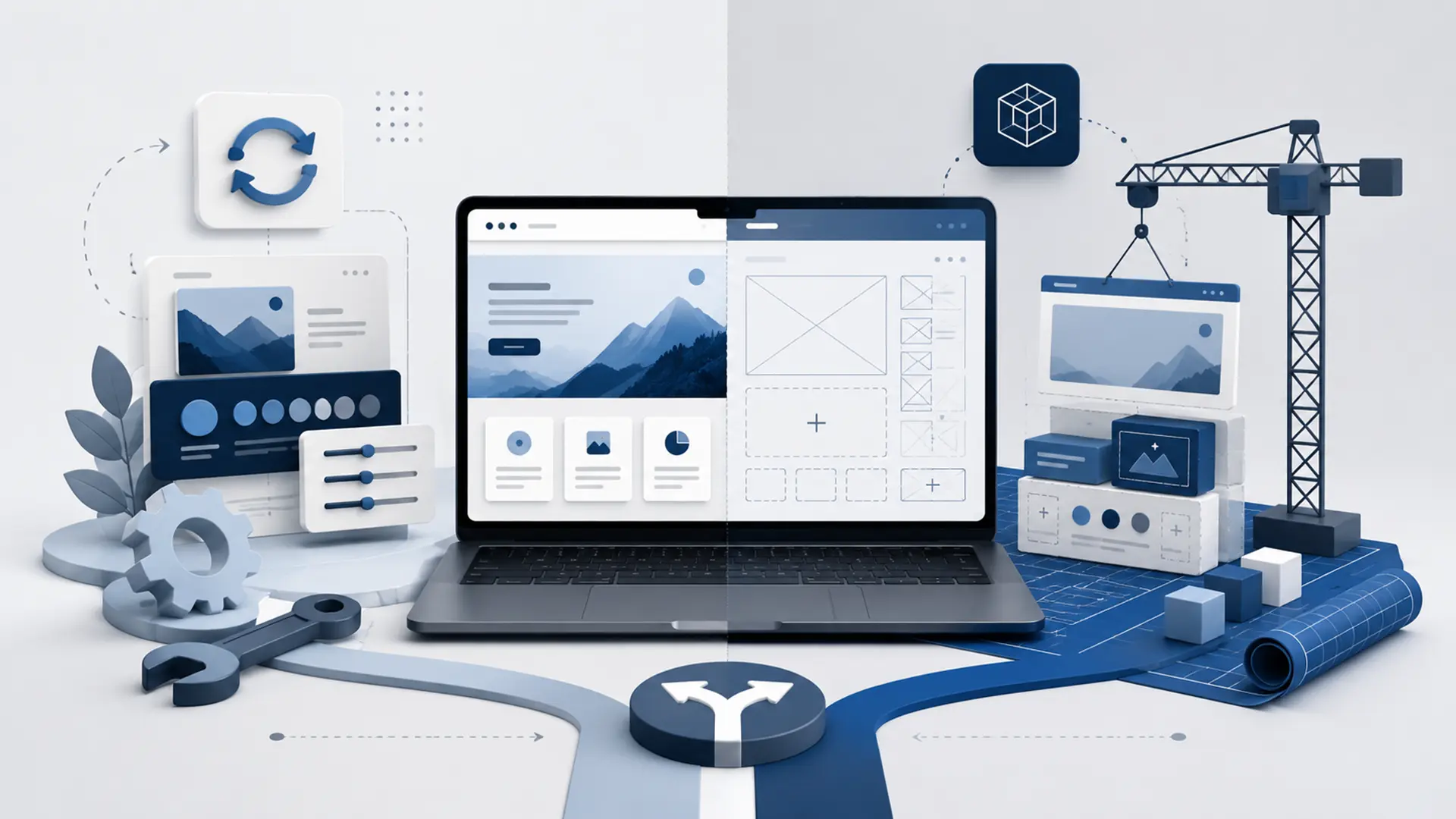
When a website starts to feel outdated, the first instinct is often to refresh the design. But the problem is not always visual. Slow performance, fragmented content architecture, hard-to-maintain code, outdated integrations, mobile usability issues or years of accumulated technical debt may make a full rebuild more sensible than another redesign.
The opposite is also true. Rebuilding a website from scratch when its technical foundation is healthy, its URL structure is established and it already has organic visibility can unnecessarily increase cost, migration risk and project time if the real need is only design or content presentation improvements.
The decision should therefore not begin with “Should we throw the old site away?” but with an analysis of which parts of the current system are worth preserving and which parts are holding back growth.
What Is a Website Redesign?
A website redesign improves the design, content, performance or technical structure while preserving the usable parts of the existing site. Depending on scope, this may involve only the visual interface or may extend to the theme, templates, page structures and selected technical components.
The main advantage of a redesign is the ability to improve problem areas without replacing the entire working system. If existing URLs, content, user data or specific integrations can be preserved, the transition can be managed more carefully.
However, a redesign should not become an excuse to keep adding new layers on top of a weak legacy structure. If the underlying architecture is flawed, every additional change can create higher maintenance costs later.
What Does Rebuilding a Website from Scratch Mean?
Rebuilding a website from scratch means developing a new architecture, design system and content structure rather than basing the project on the existing technical foundation. Valuable content, URLs and data from the old site are not ignored; the required elements are migrated into the new system in a controlled way.
A full rebuild becomes particularly relevant when the old platform no longer meets current requirements, the codebase increases maintenance cost or new features cannot be developed cleanly within the existing system.
The goal is not to discard everything, but to create a stronger foundation without being constrained by the old system. A well-planned rebuild still analyzes the strengths and performance data of the existing website.
Key Differences Between a Website Redesign and a Full Rebuild
| Criteria | Redesign Existing Website | Full Rebuild |
|---|---|---|
| Technical foundation | Usable parts of the existing platform are preserved | A new technical foundation is created |
| Project scope | Can be more limited and targeted | Requires broader analysis and development |
| Migration risk | May be lower depending on the scope of change | URL, data and integration migration must be managed carefully |
| Design freedom | The existing structure may impose limitations | A new design system can be built with fewer constraints |
| Technical debt | Some legacy issues may remain | Proper planning can separate the new system from legacy debt |
| Cost | May be lower if the scope is limited | Initial investment is usually higher |
| Timeline | Can be shorter when the existing foundation is healthy | Can take longer because of analysis, migration and testing |
| Future development | Depends on the limitations of the existing architecture | Can be planned around future requirements |
This table does not determine the right choice by itself. If the existing site’s technical condition is poor, a redesign that looks small at first can become more expensive over time than a full rebuild.
When Does Redesigning the Existing Website Make More Sense?
A redesign can be more efficient when the current platform is stable, the site remains manageable and the main problems are limited to specific areas. Unnecessary architectural changes should be avoided, especially when the URL and content structure are already established.
- If the technical foundation is current and maintainable,
- If performance can be improved with targeted optimization,
- If the URL and content architecture are generally sound,
- If existing integrations are working reliably,
- If the main problem is visual design or user experience,
- If the team can use the administration panel comfortably,
- If new requirements can be implemented cleanly within the existing system, a redesign may be sufficient.
In projects like these, the goal is not to disrupt a working system but to improve user experience and technical quality in a controlled way.
When Is a Full Website Rebuild the Better Choice?
A rebuild may be healthier when the existing website cannot support the business’s new goals or every new development creates another problem. A visual refresh alone will not solve issues caused by outdated technology, fragmented code or uncontrolled plugin dependencies.
- If the site has not been updated for years and is technically fragile,
- If performance problems originate in the underlying architecture,
- If mobile usability has serious problems,
- If the URL and content structure are limiting growth,
- If new features constantly require temporary workarounds,
- If security and update processes cannot be managed reliably,
- If the administration panel makes daily operations unnecessarily difficult,
- If the brand and business model have changed significantly, a full rebuild should be considered.
At Webrote, we approach web design projects as more than creating a new interface, considering content, user flows, performance and post-launch technical management together.
How Does Technical Debt Affect the Decision?
Technical debt is the future maintenance and change cost created by quick or temporary solutions implemented in the past. Old theme files, uncontrolled plugins, duplicated code, undocumented integrations or components that can no longer be updated can all contribute to that debt.
If technical debt is limited to specific areas, refactoring may be enough. But if it has spread into the site’s core structure, small changes keep breaking other areas or updates are no longer possible, a redesign will continue carrying the old problems forward.
It is not enough to say that “the current system works.” More important questions are whether it can be maintained, updated securely and extended with new requirements.
How Do You Preserve SEO and URL Structure During Migration?
If the current website receives organic traffic, its SEO value should be protected during a redesign or full rebuild. One of the highest-risk mistakes is changing existing URLs without control when the new site goes live.
- Create an inventory of URLs that currently receive organic traffic.
- Keep URLs unchanged wherever practical.
- Prepare one-to-one 301 redirects for URLs that must change.
- Review page titles, metadata and content scope.
- Verify canonical and index/noindex settings in the new structure.
- Update internal links to match the new URL structure.
- Check the XML sitemap and Search Console after migration.
A better-looking design does not compensate for lost organic visibility. SEO should therefore be part of the migration plan rather than a separate task added at the end of the rebuild.
How Should Content and Data Migration Be Planned?
In a full rebuild, content migration is not simply copying old pages into the new website. Decide which content should be preserved, updated, merged or removed because it no longer serves a purpose.
The process becomes more critical for systems containing memberships, orders, form records or custom data. Plan in advance how data will move to the new system, whether relationships will be preserved and how new records will be handled during the migration.
- Create an inventory of content and media files.
- Remove outdated and duplicate pages.
- Evaluate product, user and order data separately.
- Test data migration in a staging environment.
- Prepare a cutover plan that prevents data loss during launch.
Separate Design Changes from Infrastructure Changes
An outdated visual appearance does not automatically mean the technical foundation is poor. Likewise, a modern-looking website may still be technically unhealthy. Visual design and infrastructure should therefore be evaluated separately.
If the existing system is technically strong and sustainable, only the design system, templates and content presentation may need to change. This can reduce unnecessary data migration and integration risk.
If performance, security or development problems originate in the infrastructure, however, introducing only a new theme or interface simply hides the problem. The same technical issues will return soon afterward.
Should Integrations and Custom Functions Be Reviewed from the Start?
Yes. If the existing website connects to payment systems, CRM, ERP, shipping, email, membership, quotation or other services, review not only whether those integrations work but how they work.
An integration developed years ago may still function today, but outdated API methods, hard-coded credentials or undocumented custom code can create risk for the new system. A rebuild can be an opportunity to make those connections more controlled and maintainable.
Functions that are no longer used do not need to be migrated into the new system. Before migration, determine which features still create real business value.
How Should Cost and Project Time Be Compared?
A redesign may look cheaper at first, but analysis and remediation time can grow quickly when the current system carries significant technical debt. A full rebuild may require a larger initial investment, but it can provide a cleaner foundation with lower maintenance costs.
Proposals should therefore be compared by total scope rather than initial project price alone.
- Analysis and design time,
- Development and testing cost,
- Content and data migration work,
- SEO redirect and migration planning,
- Rebuilding integrations,
- Post-launch maintenance and development cost,
- Future technical debt created by the old system should all be evaluated together.
Can a Phased Redesign Be an Alternative?
Not every project needs to be replaced all at once. A phased transition can be safer for large or operationally critical websites. The most problematic area can be rebuilt first, followed by other modules moving into the new structure in controlled stages.
For example, the new design system and content pages can be introduced while the existing customer portal remains in place temporarily. Or the public-facing site can continue running on the old system while the new administration layer is prepared.
This approach can reduce migration risk, but operating two systems in parallel also creates additional work. The transition stages and the point at which the old system will be retired should be planned clearly.
How Should the Existing Website Be Analyzed Before Deciding?
Before deciding between a redesign and a full rebuild, reviewing only the homepage is not enough. The entire system should be evaluated from both technical and commercial perspectives.
- Which pages generate organic traffic and conversions?
- Which URLs should be preserved?
- Do performance issues come from the theme, application or server?
- Does the current content structure support the new goals?
- Does the administration panel support day-to-day operations efficiently?
- Which integrations are actually being used?
- Can updates and security operations be handled reliably?
- How easy is it to add new features?
- Is it more efficient to fix the existing technical debt or build a new foundation?
If you are starting a new web project for the first time, the core criteria in our What to Consider When Getting a Website Built guide can also support the decision-making process.
Frequently Asked Questions About Website Redesigns
When deciding between a website redesign and a full rebuild, similar questions often arise around SEO, cost, content migration and launch. Below, we answer the most common questions to clarify before the project begins.
Is Redesigning an Old Website Cheaper?
Not always. A redesign can be more economical when the existing foundation is healthy. But when technical debt is high, the time and cost required to repair the old system can approach or exceed the cost of a full rebuild.
Will SEO Be Lost If the Website Is Rebuilt from Scratch?
A well-planned migration can preserve a significant share of existing organic visibility. The risk of traffic loss increases if the migration happens without a URL inventory, 301 redirects, content mapping, canonical settings and technical checks.
Can Existing Content Be Migrated to the New Website?
Yes. But instead of migrating everything automatically, analyze which content should be preserved, updated, merged or removed. Pages that already receive traffic should receive special attention in the migration plan.
Can the Existing Website Stay Live While the New Site Is Being Built?
Yes. The new system can usually be prepared in a separate development or staging environment. After testing is complete, the production cutover can be planned so visitors continue using the existing site during the project.
Can Changing Only the Design Be Enough?
Yes, if the technical foundation is current, fast and maintainable. But when the problem comes from performance, security, content architecture or technical debt, changing the visual design alone will not provide a lasting solution.
The Right Decision Is Not Simply to Preserve the Old or Rebuild Everything
The decision between redesigning and rebuilding a website is not black and white. A sound project first identifies the valuable parts of the current system, then evaluates technical debt, user experience, SEO, content and future requirements together.
Preserving components that work well and remain sustainable can reduce cost and risk. On the other hand, carrying forward an outdated architecture that limits growth simply by changing its appearance can become more expensive in the long term.
If you want to evaluate whether your existing website should be redesigned or rebuilt from scratch, you can explore our Web Design services or tell us about your project.
Leave a Reply