
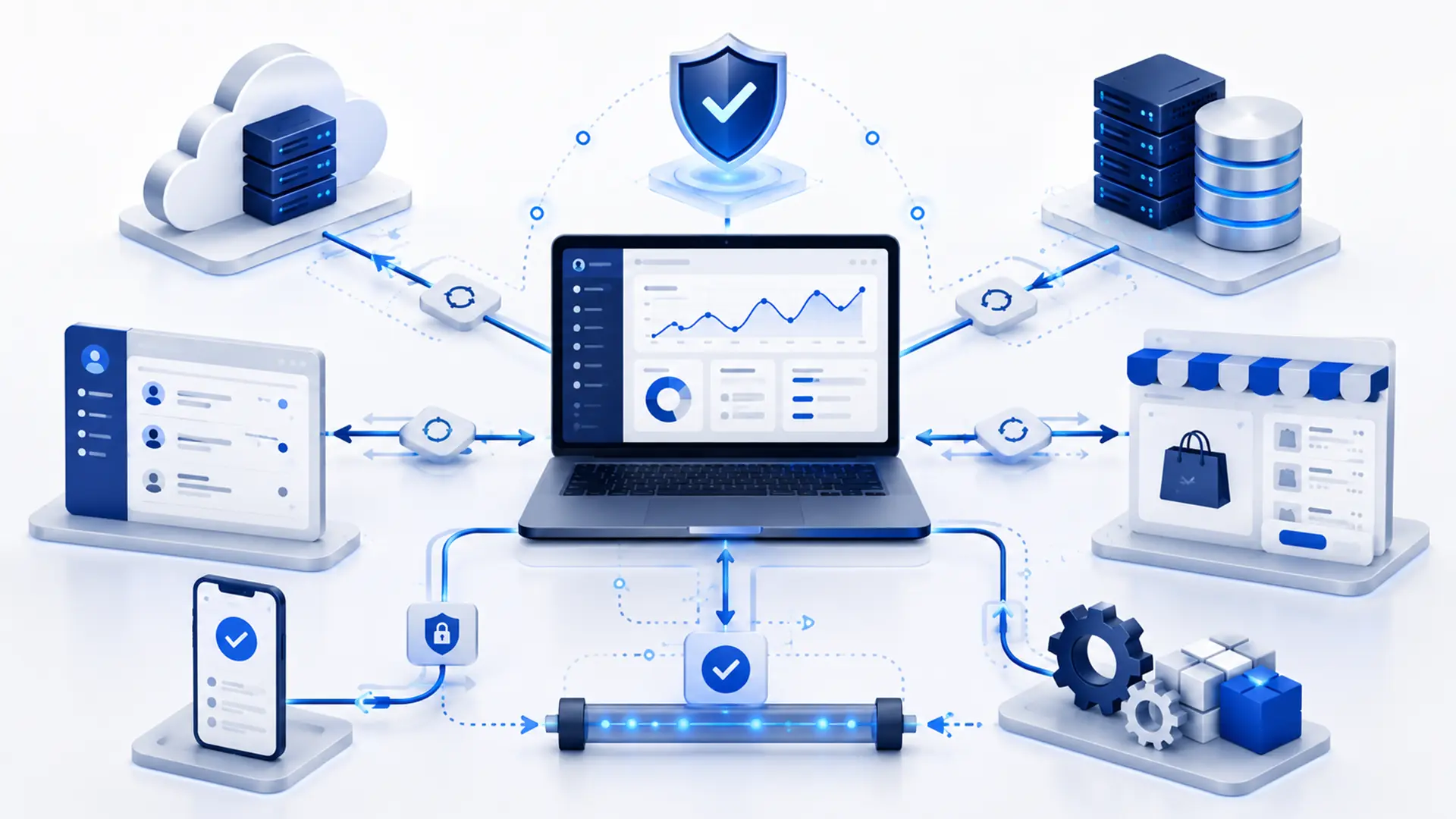
API integration is a connection that allows two or more software systems to exchange data according to defined rules. Examples include sending an e-commerce order to an accounting system, returning a payment result to an application, delivering a shipment tracking number to a customer, or sending CRM data to another system.
The purpose of integration is not simply to “connect two systems.” The real goal is to reduce repeated manual data entry across different systems, speed up workflows, and automate specific steps in an operation.
However, not every API connection works in the same way. Which data moves in which direction, how authentication is handled, how failed requests are retried, and what happens when one system is temporarily unavailable should all be planned from the start.
What Is an API?
An API is an interface that allows one software system to make controlled use of specific data or functions provided by another. Through an API, an application can request data, create a new record, update an existing record, or initiate a specific operation.
With an API, two systems do not need to understand each other’s internal codebase. They communicate through predefined endpoints, data formats, and authorization rules.
For example, a shipping carrier’s API may provide functions for creating a shipment, generating a shipping label, or checking tracking status. An e-commerce system can use that API to perform these operations directly from its own interface.
What Is API Integration?
API integration connects different software systems through APIs so they can exchange data according to defined business rules. It covers not only the technical connection, but also when data should move and how the receiving system should use it.
For example, once a payment is completed successfully, updating the order status, sending the invoice record to accounting, and notifying the customer may all be parts of the same workflow. Even when these actions take place in separate systems, API integration allows them to work together.
At Webrote, we approach custom software and integration projects not as simply connecting systems, but as reliably carrying real business workflows across them.
How Does API Integration Work?
In an integration, the source system typically initiates a request, the target system evaluates it, and a response is returned. During the request, the system checks what action should be performed, what data should be sent, and whether the user or system is authorized to perform that action.
- A trigger occurs: For example, a new order, payment, or customer record is created.
- Data is prepared: The data is transformed to match the fields expected by the receiving system.
- Authentication is performed: The request is authorized using an API key, token, or another method.
- The request is sent: Data is transmitted to the defined API endpoint.
- A response is received: The success or error response is processed.
- The record is updated: The order, user, or transaction status is changed when necessary.
- Errors are handled: Logging, retry logic, or a manual intervention process is triggered when needed.
In simple integrations, this flow can be completed within seconds. More complex architectures may require queues, background processing, and multi-stage data validation.
When Is API Integration Used?
API integration becomes especially valuable when the same data moves between multiple systems or when manual tasks begin to repeat.
- Transferring orders and inventory between an e-commerce site and accounting or ERP software,
- Creating shipments and retrieving tracking information from a shipping carrier,
- Receiving transaction results from a payment provider,
- Synchronizing customer data between a CRM and a website,
- Connecting a reservation system with a calendar or payment infrastructure,
- Sharing product, inventory, and order data with marketplaces,
- Sending automated notifications through SMS or email services,
- Retrieving prices, exchange rates, or product data from external sources,
- Connecting an internal management panel with different operational systems.
The value of integration lies in reducing the need for users to repeat the same task across different interfaces. However, if an automated process is designed incorrectly, errors can spread faster as well. Business rules therefore need to be clear.
What Is the Difference Between an API and a Webhook?
APIs and webhooks are often used together within the same integration, but they operate differently. With an API, one system usually calls another to request data or initiate an action. With a webhook, the originating system automatically notifies another system when an event occurs.
For example, instead of repeatedly polling an API for payment status, the payment provider can send a webhook when the transaction is completed. The web application receives the notification and updates the order.
| Criterion | API | Webhook |
|---|---|---|
| Who initiates the action? | The requesting system | The system where the event occurs |
| Use | Retrieve or send data, or initiate an action | Send a notification when an event occurs |
| Polling | A call is made when needed | Runs automatically when the event occurs |
| Example | Request order information | Receive a payment-completed notification |
How Is Authentication Handled in API Integration?
APIs should not provide unrestricted access to everyone. The identity of the requesting system and the operations it is authorized to perform must therefore be verified. The method used depends on the service.
- API keys,
- Token-based authorization,
- OAuth-based authorization flows,
- Signed requests,
- Additional IP- or network-based restrictions may be used.
Access credentials should not be stored directly on the client side or exposed in publicly accessible source code. Keys should be stored securely, be replaceable when necessary, and carry only the permissions required for the integration.
Why Do Data Formats and Field Mapping Matter?
Two systems may use different data structures for the same concept. One system may store a customer’s full name in a single field, while another separates first and last name. Product codes, currencies, date formats, and address structures may also differ.
For this reason, the integration must clearly define which field corresponds to which field in the other system. When necessary, data should be transformed, normalized, or validated before it is sent.
- Are any required fields missing?
- Are date and time formats compatible?
- Are currency and decimal formats consistent?
- Is there a shared unique identifier for the product or user?
- Do addresses, phone numbers, and country codes use the same standard?
- Are there characters or values the receiving system does not accept?
If field mapping is poorly designed, an integration that appears technically successful can still produce incorrect data.
What Is the Difference Between One-Way and Two-Way Integration?
In a one-way integration, data flows only from one system to another. For example, if sending a new customer record from the website to the CRM is sufficient, there may be no need to send data back from the CRM to the site.
In a two-way integration, both systems can update each other. This is more powerful, but it can create conflicts when the authoritative source of data is not clearly defined.
For example, if product inventory can be changed from both the e-commerce panel and the ERP, the system that has the final authority must be defined. Otherwise, the same record may be repeatedly updated with different values on each side.
Why Should API Limits and Rate Limits Be Considered?
Many APIs limit the number of requests that can be made within a given period. This is known as a rate limit. Its purpose is to protect service resources and prevent a single user from overloading the system.
In a project synchronizing thousands of products or orders, sending uncontrolled requests for every record can exceed these limits. Queues, batch processing, caching, or scheduled synchronization may therefore be required.
When designing an integration, the question is not only “Does an API exist?” The API’s transaction capacity and usage limits must also be evaluated against the actual business requirement.
How Should Error Handling and Retry Mechanisms Be Planned?
External services cannot be assumed to work flawlessly at all times. A network connection may fail, an API may return a temporary error, authentication may fail, or the submitted data may be rejected.
Failed operations should not disappear in a reliable integration. Depending on the type of failure, there should be mechanisms for logging, retrying, or manual intervention.
- Failed requests should be logged.
- Temporary network errors should trigger controlled retries.
- The system should prevent the same operation from being created twice.
- Persistent data errors should be flagged for manual review.
- Critical integration failures should be able to generate alerts.
- Transaction history should be available for retrospective review when needed.
The reliability of an integration is revealed less by successful requests than by how well failure scenarios are handled.
How Is API Integration Secured?
Because API integrations move data between systems, security is a core part of the design. Access boundaries need to be planned particularly carefully when customer, payment, or other sensitive business data is being transferred.
- API credentials should be stored in a secure environment.
- Connections should use encrypted communication.
- Only the permissions actually required should be granted.
- Incoming data should be validated before it is trusted.
- The sending system should be verified for webhook requests.
- Sensitive information should not be written to logs unnecessarily.
- There should be a process for rotating access keys.
- Suspicious or unusual API usage should be monitorable.
Security is not a one-time check performed when the initial connection is established. The services, access methods, and API versions used by an integration can change over time.
Ready-Made Integration or Custom API Integration?
If a reliable ready-made integration already exists between two systems and fully meets the requirement, developing one from scratch may be unnecessary. For widely used services in particular, existing connectors can provide faster implementation.
Custom API integration becomes valuable when the data flow is specific to the business, an existing connector covers only part of the process, or custom business rules are required.
- Does the ready-made integration transfer all required fields?
- How frequently does the process run?
- Are custom filters or transformations required?
- Is error handling sufficient?
- Is two-way data synchronization required?
- Does the business have custom approval or control steps?
The right approach is neither “build everything from scratch” nor “use whatever is already available.” It is to choose the method that solves the real process with the least unnecessary complexity.
How Does the API Integration Development Process Work?
An API integration project should not begin by simply coding the endpoints listed in the documentation. First, it is necessary to understand why the data is being moved and what role it performs in the business process.
- Workflow analysis: Identify the event that will trigger the integration.
- Review API documentation: Evaluate endpoints, authorization, limits, and error codes.
- Map the data: Match fields between the source and target systems.
- Prepare the security plan: Define how access keys are stored and which permissions are granted.
- Develop the integration: Implement data transfer and business rules.
- Test failure scenarios: Test timeouts, missing data, and service outages.
- Validate in a test environment: Perform end-to-end checks without affecting live transactions.
- Deploy and monitor: Track logs, transaction results, and performance.
What Should You Consider When Commissioning an API Integration?
When evaluating API integration proposals, the statement “the systems will be connected” is not enough. It should be clear how the entire workflow and its failure scenarios will be handled.
- Which system will be the authoritative source for each type of data?
- Is one-way or two-way data flow required?
- Do the systems actually support the required APIs and webhooks?
- Do the rate limits and transaction capacity meet the requirement?
- How will fields be mapped?
- How will failed operations be retried?
- Will logging and error tracking be available?
- Who will be responsible for updates when the API version changes?
- How will security and access keys be managed?
- Is a test environment or sandbox available?
For integrations at the core of a business operation, simply “working” is not enough. The integration should be observable, recoverable when errors occur, and adaptable to changes in the external service.
Frequently Asked Questions About API Integration
When planning an API integration, similar questions often arise around access, data synchronization, security, and maintenance. Below, we answer the most common questions that should be considered before a project begins.
Does Every Software System Have an API?
No. Some software provides comprehensive APIs, while others offer limited access or no API at all. Before planning an integration, the technical capabilities and authorization scope of the relevant systems should be verified.
Can API Integration Work in Real Time?
Yes. Depending on API and webhook support, operations can be synchronized within seconds. However, not every business process needs to run in real time; for some workloads, scheduled batch synchronization may be more efficient.
Do Both Systems Need to Provide an API for an Integration?
Not always. One system may expose data through an API while the other imports that data into its own database or workflow. For controlled two-way integration, however, the technical capabilities provided by both systems are decisive.
Does an API Integration Require Maintenance After It Is Built?
Yes. An API provider may change endpoints, authorization methods, versions, or data fields. Integrations also need monitoring because access keys may need rotation, errors must be tracked, and new business requirements can emerge.
Is API Integration Secure?
It can operate securely when proper authorization, encrypted communication, data validation, and access management are used. Security depends not only on the API itself, but also on how the integration is developed and operated.
A Good Integration Works Invisibly
The purpose of a successful API integration is not to expose users to more technical screens. It is the opposite: to move data reliably between systems in the background and reduce manual work.
A well-planned integration clearly defines where data comes from, where it goes, what happens when an error occurs, and how each operation can be traced. This allows different software systems to operate as parts of a single workflow.
If you want to connect different systems in your business, reduce manual data transfer, or develop a custom integration, explore our Custom Software Development service or tell us about your project.
Leave a Reply