
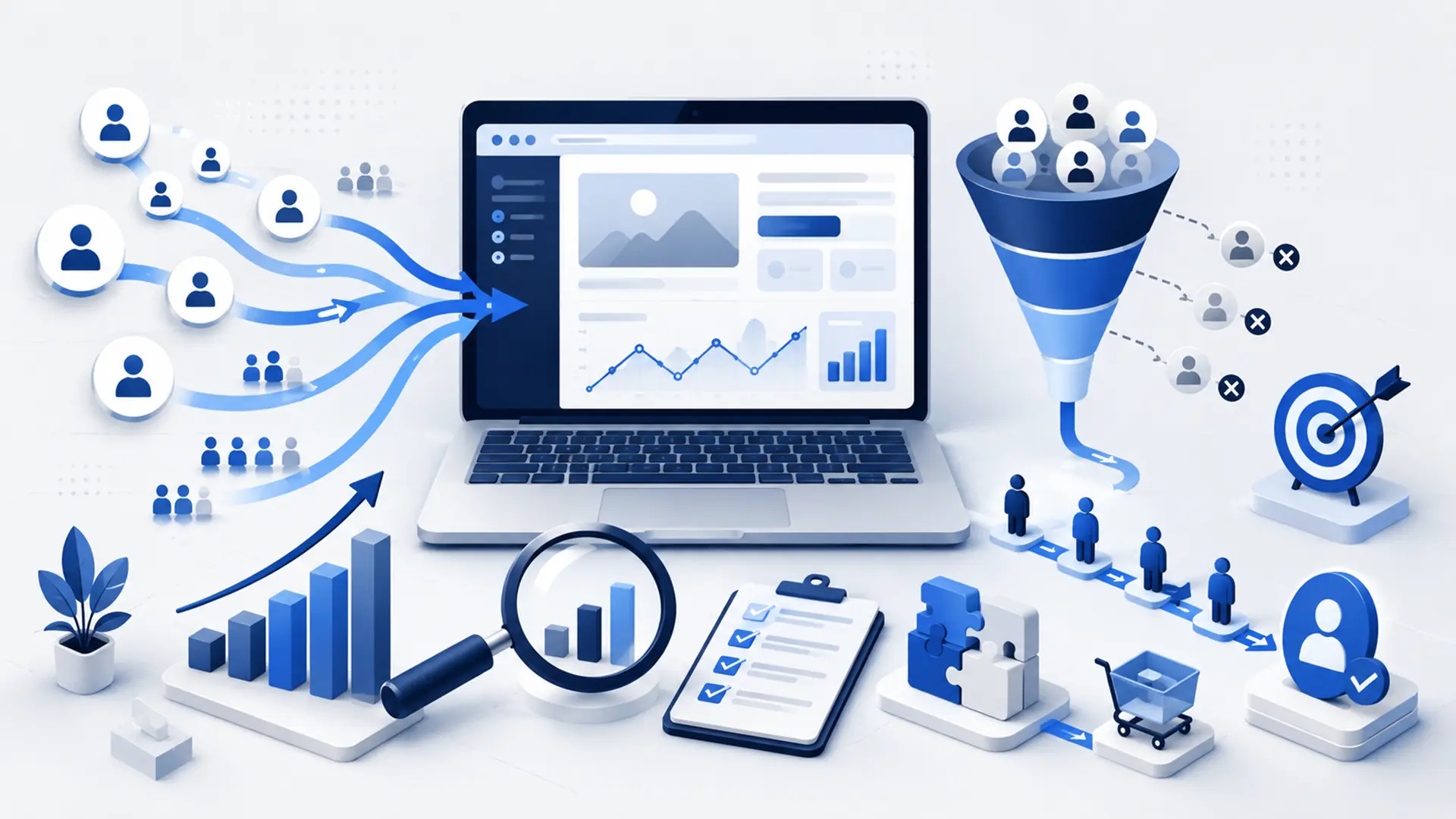
Growing website traffic can be a positive signal, but more visitors do not automatically mean more customers, enquiries or sales. If the audience is wrong, users cannot find what they need, the offer is weak or the conversion path creates friction, high traffic can still produce poor commercial results.
For that reason, a website that gets traffic but does not generate customers should not be treated only as an SEO, advertising or design problem. The entire conversion chain needs to be reviewed, from traffic source and page messaging to form structure and mobile experience.
The best starting question is: Is the person visiting the website actually a potential customer, and why are they not taking the next step?
Check Whether Your Traffic Is Actually Valuable First
The first thing to check is not traffic volume but traffic quality. If a large share of thousands of visitors has little interest in the products or services the business offers, that traffic may have limited commercial value.
For example, an informational guide may attract significant organic traffic even though most visitors are not ready to buy. A service page with far less traffic may generate more enquiries because its visitors arrive with stronger commercial intent.
- Which pages are visitors landing on?
- Which search queries or campaigns are generating the traffic?
- Are those queries commercial or informational?
- Is the traffic coming from the country or city you target?
- Do new and returning visitors behave differently?
- Are the highest-traffic pages actually the pages expected to generate conversions?
Trying to increase visitor numbers without understanding traffic quality can simply amplify the existing problem.
Traffic from the Wrong Search Intent May Not Generate Customers
If the user’s search and the page’s solution do not serve the same goal, conversions may remain low even when traffic is strong. Someone looking for information has a different search intent from someone trying to get a quote or purchase a service.
A visitor searching for “what is a website?” may not be ready to buy a service, while a query such as “corporate website design service” can carry much stronger commercial intent. Sending both users to the same page with the same CTA is not always appropriate.
Content and service pages should therefore be designed around different stages of the customer journey. A guide can serve research intent, while a service page should present a clearer offer and action for users closer to a decision.
Separate Your Traffic Sources
Organic search, Google Ads, social media, referral traffic and direct visits do not behave the same way. Treating all traffic as one pool can be misleading when analyzing a conversion problem.
| Traffic Source | Key Point to Review |
|---|---|
| Organic search | Search intent, query-to-page relevance and organic landing page |
| Google Ads | Keyword, search term, ad message and landing-page alignment |
| Social media | Alignment between the content and destination-page expectations |
| Referral | Referral source and user expectations |
| Direct traffic | Brand awareness and returning-user behavior |
For example, if organic traffic converts well while paid traffic does not, the problem may lie in campaign targeting or the landing page rather than the website as a whole.
Does the User Know What to Do When They Reach the Page?
Even when users reach the right page, they may not convert if the next step is unclear. The first sections of the page should make it easy to understand what the business offers and what the visitor can do next.
- Is the product or service clear at first glance?
- Should the user request a quote, call or complete a form?
- Is the primary CTA visible and easy to understand?
- Are too many CTAs competing for attention on the page?
- Does the process become unnecessarily long after the CTA is clicked?
- Can users find the information they need to make a decision?
A generic CTA such as “Contact Us” may be enough on some pages, while context-specific actions such as “Request a Quote,” “Tell Us About Your Project” or “Check Availability” can provide clearer direction.
Is Your Value Proposition Clear Enough?
When users reach your website, they want to understand not only what you sell but why they should consider you. If many competitors offer the same service, generic statements may not help them make a decision.
Phrases such as “quality service,” “customer satisfaction” or “professional solutions” can be used by almost anyone and create little differentiation. Instead, explain your process, expertise, delivery model, technical approach or the specific advantages you provide to customers.
- Is it clear which problem you solve?
- Is it clear who the solution is for?
- Can users understand how you differ from competitors?
- Is your working process explained?
- Can users understand what they will receive after purchasing?
Does Your Website Build Trust?
Before requesting a quote, making a payment or sharing contact information, users look for signals that the business is trustworthy. A lack of trust can directly reduce conversions, especially for higher-value services.
- Are business and contact details clearly presented?
- Are real projects or references shown?
- Is the service scope easy to understand?
- Are privacy information and required legal documents available?
- Does the website look current and technically sound?
- Are there broken links, missing images or outdated content?
- Is the brand’s visual language consistent across pages?
Projects are valuable not only for showing a portfolio, but also for demonstrating that the business has solved similar problems in real projects.
Could Your Form and Contact Process Be Blocking Conversions?
Even after a user decides to make contact, a poorly designed enquiry process can lose the conversion. Unnecessarily long forms, excessive required fields, broken submit buttons or unclear next steps can cause users to abandon the process.
- Does the form actually work?
- Are there unnecessary required fields?
- Is the form easy to complete on mobile?
- Are phone and email fields validated correctly?
- Does the user receive clear feedback after submitting the form?
- Does the enquiry reach the correct person or system?
- How quickly are incoming enquiries answered?
The conversion process does not end when the form is submitted. Routing the enquiry to the right sales or operations team and responding quickly are also part of customer acquisition.
Review the Mobile User Experience Separately
Mobile users may represent a large share of total traffic, but if mobile conversion is significantly lower than desktop conversion, the issue may be the mobile experience rather than the content itself.
- Are the headline and CTA easy to read above the fold?
- Is the menu easy to use?
- Do form fields fit the screen correctly?
- Can users tap the phone number to call easily?
- Do fixed elements cover important content?
- Do pop-ups or cookie banners block the user?
- Does the page load fast enough on a mobile connection?
web design means more than making a layout fit a smaller screen; users should be able to complete the same task comfortably on mobile.
Site Speed and Technical Issues Can Cost You Customers
Even when the visitor has the right intent, the offer is strong and the page is well designed, a technical problem can stop the conversion. Slow loading, form errors, payment failures or a JavaScript issue in a mobile browser can prevent users from completing the action.
- Are important landing pages slow?
- Do form submissions produce errors?
- Are there 404 errors or incorrect redirects?
- Do buttons work correctly in mobile browsers?
- Are third-party scripts blocking the page?
- Does the server struggle to respond during traffic peaks?
- Are there SSL or mixed-content warnings?
At this stage, design, application performance and hosting infrastructure should be evaluated together. Moving to a larger server or adding more optimization plugins without identifying the root cause does not provide a lasting solution.
Are Pricing and Service Details Clear Enough?
Not every business needs to publish fixed prices on its website. Project-based services in particular can vary by scope, timeline and requirements. Even when exact pricing is not shown, users should still understand what the service includes and how the quotation process works.
If too much remains unclear, users may leave before making contact. Instead of relying on a message such as “Call for pricing,” explain what information is needed for a quote, what is evaluated and what the customer can expect from the process.
- Is it clear what the service includes?
- Are the main factors that affect pricing explained?
- Is it clear what information is needed to request a quote?
- Is the working or payment model easy to understand?
- Does the page reduce concerns about unexpected additional costs?
Sending Traffic to the Wrong Page Reduces Conversions
Even when the audience is right, conversions can fall if users are sent to the wrong landing page. Sending every visitor from an ad or search result to the homepage is not always the right approach.
If a user searched for a specific service, they should land directly on the page that explains that service. Making them search for it again on a generic page adds unnecessary friction.
Likewise, if an informational guide attracts significant traffic, related services or the next relevant content step should be introduced naturally. Instead of turning every guide into an aggressive sales page, create a transition that matches the user’s intent.
What Should You Do If SEO Traffic Does Not Convert?
If SEO is generating high traffic but low conversion, first identify which queries and landing pages are driving visits. The problem may not be that SEO is failing, but that the site has gained strong visibility for the wrong set of queries.
- Review high-traffic queries in Search Console.
- Separate informational and commercial queries.
- Evaluate the visibility of service pages separately.
- Add natural internal links from guides to relevant service pages.
- Strengthen the offer and trust elements on commercial pages.
- Measure conversions by organic landing page.
SEO is not only about bringing more visitors. SEO work can support customer acquisition more effectively when planned around search intent, content architecture and commercial pages.
What Should You Check If Google Ads Traffic Is Not Generating Customers?
If Google Ads is generating traffic but not conversions, increasing the budget alone will not solve the problem. First review which search terms are consuming spend and which pages those users are being sent to.
- Are ads appearing for the right keywords?
- Are irrelevant queries appearing in actual search terms?
- Are negative keywords being used effectively?
- Does the ad message match the promise on the landing page?
- Is the campaign targeting the right locations and audiences?
- Is the conversion action defined correctly?
- Are form and phone conversions being measured?
Google Ads should be managed as a measurable customer acquisition channel, not simply as a traffic-buying tool. If clicks increase without a corresponding rise in qualified enquiries, the campaign structure should be reviewed.
You Cannot Find the Problem Without Conversion Tracking
Total visitor and page-view data alone is not enough to analyze a customer acquisition problem. You need to measure which meaningful actions users actually complete.
- Form submission,
- Phone click,
- WhatsApp or messaging click,
- Quote request started,
- Add to cart,
- Checkout started,
- Purchase,
- File download, demo request or other actions that have business value can be tracked.
Without proper measurement, you cannot know which traffic source is generating real customers. Budget and content decisions then end up being based on surface-level metrics such as visitor count.
How Can You Measure Traffic Quality and Conversions Together?
A useful analysis evaluates traffic and conversions together. The goal is not only to see which channel brings more users, but which channel creates more value for the business.
| Metric | What Does It Show? |
|---|---|
| Traffic by landing page | Shows which pages users enter the site through. |
| Source / channel | Shows where the visitor came from. |
| Conversion rate | Shows the share of visitors who complete the target action. |
| Customer acquisition cost | Shows how much it costs to acquire a customer through paid channels. |
| Form abandonment rate | Can indicate friction in the contact process. |
| Conversion by device | Compares mobile and desktop performance. |
| Conversion by page | Shows which pages perform more strongly from a commercial perspective. |
When these data points are reviewed together, the problem becomes easier to isolate. Low-quality traffic points to targeting issues; qualified traffic with weak conversion points to the website or offer; conversions without closed sales require a separate review of the sales process.
Frequently Asked Questions About Website Traffic That Does Not Generate Customers
When a website attracts traffic but does not generate customers, similar questions arise around SEO, advertising, design and conversion tracking. Below, we answer the most common questions that come up when diagnosing the problem.
Does More Website Traffic Increase Sales?
Not on its own. Traffic needs to match the target audience and purchase intent. High volumes of irrelevant or purely informational traffic can generate fewer sales than lower-volume traffic with strong commercial intent.
Why Might SEO Traffic Fail to Generate Customers?
The site may have gained visibility for the wrong search intents, commercial service pages may be too weak or the path from guides to conversion pages may be poorly designed. Analyze performance by query and landing page.
What Should You Do If Google Ads Generates Clicks but No Form Enquiries?
Review search terms, targeting, ad messaging, landing pages, form functionality and conversion tracking together. Increasing bids or budget alone can make a poor-traffic problem more expensive.
What Should the Conversion Rate Be?
There is no single ideal conversion rate. Industry, product price, traffic source, user intent and the definition of a conversion can change the number significantly. The most useful comparison is your own channel and page performance over time.
Can Redesigning the Website Improve Conversions?
A redesign can help when the problem comes from user experience, trust, mobile usability or the conversion flow. But if the real issue is poor traffic quality or a weak offer, changing the design alone will not be enough.
The Goal Is Not More Traffic, but Better Conversions
Website traffic can be a useful success indicator, but it is not enough when the commercial goal is customer acquisition. Bringing the right user to the right page, building trust, explaining the offer clearly and making the next action easy are all parts of the same system.
The analysis should therefore not begin with the question of whether traffic is too low. First identify which traffic is arriving, where users drop off and which part of the conversion chain is failing. SEO, advertising, content, design or infrastructure changes can then be planned around the actual problem.
If your website receives traffic but does not generate enough enquiries or sales, you can explore our Marketing services and Web Design solutions or tell us about your project.
Leave a Reply