
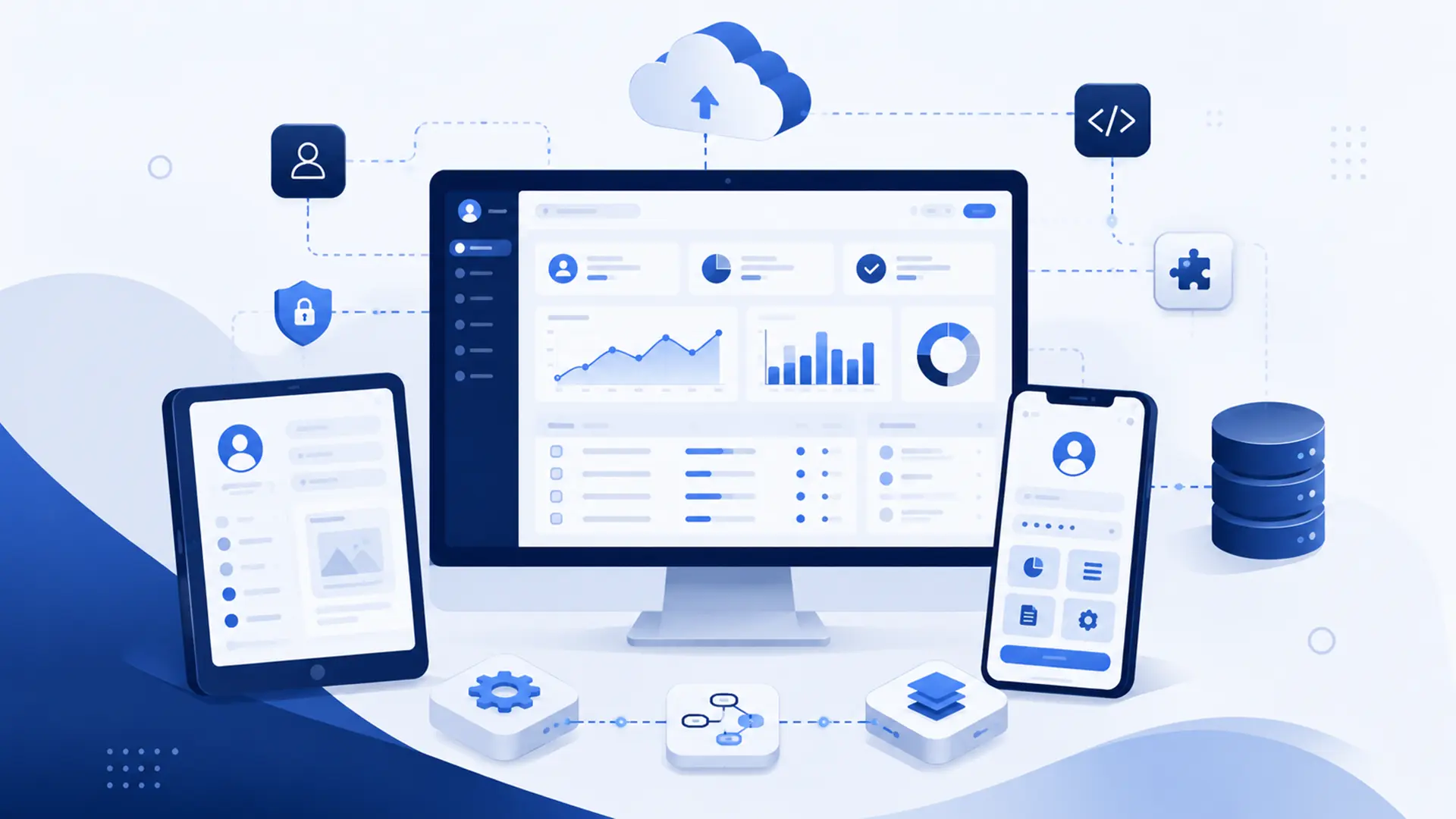
A web application is a software system that lets users do more than view information in a browser. Users can enter data, perform actions, receive results and manage specific business processes. Customer portals, reservation systems, calculators, administration dashboards, quotation systems and online reporting panels are all examples of web applications.
The boundary between a website and a web application is not always clear-cut. As a corporate website gains features such as forms, memberships, quote generation, customer accounts or custom dashboards, it can take on more application-like characteristics. The difference should therefore be evaluated not only by appearance, but by how much the user actually does within the system.
In this guide, we explain how web applications work, how they differ from traditional websites, when a business may need one and what should be considered during development.
What Is a Web Application?
A web application is software that runs through an internet browser and interacts with the user. Users can enter data, create records, run calculations, view reports, perform actions across different screens or access information specific to their account.
In these systems, the browser is not simply a window for displaying content; it is the application’s user interface. Behind the scenes, the server, database, user permissions and business rules work together to respond to user actions.
One important difference from desktop software is that web applications can usually be used through a browser without a separate installation. Users can access their accounts from different devices, while updates are deployed centrally.
What Is the Difference Between a Web Application and a Website?
A website is generally designed to provide information, present a brand or services and guide users toward actions such as contacting the business, requesting a quote or making a purchase. In a web application, users play a more active role and perform specific operations directly within the system.
| Criteria | Website | Web Application |
|---|---|---|
| Primary purpose | Provide information, presentation and content | Run transactions and business processes |
| User interaction | Usually more limited | Can be more intensive and continuous |
| User account | Not always required | Often includes user or role structures |
| Data processing | Usually less complex | Can process data according to business rules |
| Administration panel | May focus mainly on content management | Can manage operations and business processes |
| Integration | May be limited depending on requirements | APIs and external system connections may be more central |
| Development | Focused more on content and presentation | Software architecture and business logic are more significant |
The two models are not mutually exclusive. An e-commerce site behaves like a website through its content and product pages, while also providing web-application functionality through the cart, checkout, customer accounts and order management.
How Do Web Applications Work?
In a web application, the user initiates an action through the browser. The request is sent to the application layer, the required business rules are executed and, when necessary, data is read from the database or a new record is created. The result is then returned to the user interface.
For example, in a quotation calculator, the user enters product, quantity and delivery information. The application validates the data, applies pricing rules, calculates the result and stores it when necessary. The same record can later be reviewed by the sales team in an administration dashboard.
- User interface: Screens, forms and dashboards displayed in the browser.
- Application logic: Rules that determine what the system does in different situations.
- Database: The data layer where users, transactions, products and other records are stored.
- Server infrastructure: The technical environment in which the application runs and processes requests.
- Integrations: Connections that let the application exchange data with other services.
What Are Some Examples of Web Applications?
Web applications are not limited to large enterprise systems. They can range from a small tool that solves one specific problem to a comprehensive management platform used by hundreds of people.
- Customer or dealer portals,
- Online reservation and appointment systems,
- Quotation and pricing tools,
- Project and task management systems,
- Inventory or operations dashboards,
- Membership and subscription systems,
- Reporting and data visualization dashboards,
- Form and application management systems,
- Custom administration dashboards for internal teams,
- Operational applications that connect different services.
Formulivo is a different example. With multilingual calculation tools, data-processing logic and a structure that can be embedded into different websites, it is not simply a content website but a digital product that runs on the web.
When Does a Business Need a Web Application?
Not every business needs a custom web application. If a standard website or existing software product already meets the requirement well enough, building a new system from scratch may create unnecessary cost.
The need for a web application often emerges when critical workflows remain manual, different tools operate in isolation or off-the-shelf systems cannot support the way the business actually works.
- If critical processes managed through spreadsheets and email have grown,
- If customers or dealers need their own portal,
- If the same data has to be entered repeatedly into different systems,
- If multi-step, rule-based workflows are required instead of standard forms,
- If calculations, pricing or approval processes need to be automated,
- If off-the-shelf software interfaces do not fit the real business process,
- If a new digital product or service is being developed, a web application should be considered.
What Are the Advantages of a Web Application?
A web application built for the right problem can bring fragmented business activities into one controlled process. Reducing repetitive manual work, preserving data consistency and allowing different teams to work within the same system can create significant operational value.
- Can be accessed from different devices through a browser.
- Centralized updates mean users do not need to install updates individually.
- Business-specific processes can be built into the system.
- User roles and permissions can be managed centrally.
- Data can be exchanged with other software through APIs.
- Manual data entry and repetitive tasks can be reduced.
- Transaction history and reporting can be maintained more consistently.
- New modules can be added as requirements grow.
These advantages do not appear automatically. A poorly designed application may simply move the same complexity from a manual process onto a screen without actually improving the workflow.
What Are the Disadvantages and Responsibilities of a Web Application?
Developing a custom web application can require more analysis, development and maintenance responsibility than using an existing product. Building the first version is not enough; security, performance, backups and new requirements need to be managed over time.
- Initial development cost may be higher.
- Analysis and development take time.
- Maintenance and security responsibilities continue after launch.
- Poor architectural decisions can create technical debt later.
- New features need to be developed in a controlled way.
- Neglecting testing and data security can create operational risk.
The decision to build custom software should therefore be based on whether solving the problem creates real business value, not simply on the desire to have a system built specifically for the company.
Off-the-Shelf System or Custom Web Application?
If a mature software product already meets the requirement, rebuilding every function from scratch is usually unnecessary. Off-the-shelf systems can be faster and more economical for common processes such as CRM, project management or standard reservations.
A custom web application makes more sense when a critical workflow does not fit existing systems, too many workarounds are required or the software itself is a direct part of the service being delivered.
Many projects also have a third option: use proven off-the-shelf components where they work well and develop only the business-specific workflows. This avoids rebuilding solved problems and directs the budget toward genuinely differentiating requirements.
For a more detailed comparison, see our Off-the-Shelf Software vs. Custom Software guide.
Why Are User and Permission Management Important in Web Applications?
In a web application, giving every user access to the same data and actions is rarely appropriate. Administrators, employees, dealers, customers and external partners may all require different permissions.
Permission management is not simply about hiding menu items. The system should also enforce on the server side which data a user can view, which records they can change, which actions they can approve and which reports they can access.
Role and permission design should be addressed early in applications that contain customer or financial data. Fragmented permission rules added later can create both security and maintenance problems.
What Do APIs and Integrations Do in a Web Application?
Web applications rarely operate in isolation. They may need to exchange data with accounting software, CRM, payment systems, shipping services, email platforms or other applications. These connections are commonly built through APIs or webhooks.
For example, when a customer creates an order in the web application, the record can be sent to the accounting system, payment status can be retrieved from another service and delivery information can be passed to the shipping platform. This removes the need for the team to enter the same data manually in several systems.
Custom software development projects should evaluate integration requirements from the beginning because the data model and workflows may depend on how the application communicates with other systems.
How Should Security Be Planned for a Web Application?
When a web application accepts user data and performs transactions, security goes far beyond using an SSL certificate. Authentication, authorization, session management, input validation, file-upload controls and protection of sensitive data should be planned together.
- User authentication should be implemented securely.
- Permission checks should be enforced on the server side, not only in the interface.
- Form and API inputs should be validated and filtered.
- Sensitive data should not be stored unnecessarily.
- A regular backup and recovery plan should be in place.
- Software dependencies and server components should be kept up to date.
- Logging should be implemented so errors and security events can be monitored.
Security is not a one-time check; it is an ongoing technical operation throughout the application’s lifecycle.
How Should Performance and Scalability Be Evaluated?
Web application performance is not measured only by page-load time. Concurrent users, database query cost, external API calls, file operations and background jobs all contribute to system load.
It is unnecessary to build infrastructure for thousands of users in the first version when the demand does not exist, but ignoring future growth entirely is also risky. The data model, application layers and server architecture should be designed so capacity can evolve as resource requirements increase.
Bu noktada hosting and technical infrastructure should be selected according to the application’s real workload. Measuring usage and increasing resources when required can be more efficient than paying for unused capacity.
How Does the Web Application Development Process Work?
A sound web application project does not begin by writing code immediately. First, the problem, the users and the real business workflow need to be understood. Otherwise, the result may be technically functional while making operations unnecessarily complex.
- Requirements analysis: The problem, user groups and current processes are identified.
- Workflow mapping: The user’s steps and the rules the system needs to execute are defined.
- Data and integration planning: Required data and external services are identified.
- Interface and experience design: Screens are designed around the users’ real tasks.
- Development: Application modules are developed in a controlled way.
- Testing: Workflows, permissions, error scenarios and different devices are tested.
- Launch and monitoring: The system goes live and performance and errors are monitored.
- Continuous development: New requirements are planned based on real usage data.
What Should You Consider When Having a Web Application Developed?
When comparing web application proposals, the number of screens or project price alone is not enough. Analysis, data architecture, security, integrations and post-launch management define the real scope.
- Is the current business process analyzed before development?
- Are user roles and permissions planned from the start?
- Is it clear where and how data will be stored?
- Are the required APIs and integrations included in the scope?
- How will security and backup responsibilities be managed?
- Can the architecture evolve as the application grows?
- Are responsibilities for source code, data and access rights clearly defined?
- How will post-launch bug fixing and development be handled?
The goal of a good software project is not to add as many features as possible, but to solve the business’s real problem in the simplest sustainable way.
Frequently Asked Questions About Web Applications
During web application projects, similar questions often arise around how they differ from websites, mobile use, installation, cost and maintenance. Below, we answer the most common questions to clarify before starting a project.
Are a Web Application and a Website the Same Thing?
Not exactly. A website mainly presents information and content, while a web application is a software system in which users enter data, perform actions and interact more deeply with the system. A single project can still combine both characteristics.
Can a Web Application Be Used on a Phone?
Yes. A responsive web application can be used in phone and tablet browsers. However, projects that depend heavily on device-specific capabilities or offline use may also need a separate mobile application.
Do Users Need to Install Software to Use a Web Application?
In most cases, no. Users access the system through an internet browser. Because updates are deployed on the central server, separate versions do not need to be installed on every device.
How Is Web Application Development Cost Determined?
Cost depends on user roles, number of screens, business rules, data structure, integrations, security requirements and development time. Pricing a web application reliably by page count alone is therefore not realistic.
Does a Web Application Need Maintenance After Launch?
Yes. The application needs ongoing technical management for security updates, server and dependency management, error tracking, backups, performance monitoring and new requirements.
A Good Web Application Simplifies the Business Process
The value of a web application should be measured by how much easier and more controlled it makes the work, not by how many features appear on the screen. Moving a complex process into a digital interface without simplifying it is not meaningful transformation on its own.
A well-planned web application can bring users, data and workflows into one system, reduce manual operations and create an operational foundation that can be measured and developed over time.
If you are planning a custom web application, administration dashboard or digital tool for your business, you can explore our Custom Software Development services or tell us about your project.
Leave a Reply